 Converter
Color Converter
Convert declared sRGB notations, HSL/HSV coordinates, alpha, and unprofiled CMYK estimates with strict channel grammar.
Validates full channel ranges, handles achromatic and black edge cases, and labels profile-free CMYK as an estimate.
What This Category Covers
- HEX, RGB, HSL, HSV, RGBA, and CMYK formats
- Design handoff and front-end implementation
- Print and screen color checks
- Palette and theme tuning
- Color channel interpretation
Common Use Cases
- Use HEX, RGB, HSL, HSV, or RGBA for declared sRGB-derived workflows.
- Alpha is decoded as an 8-bit opacity value.
- Use an ICC-managed workflow for press-ready CMYK rather than relying on naive arithmetic.
Quick Reference
| Task | Recommended Tool | Why It Helps |
|---|---|---|
| Web code to channels | HEX to RGB | Read a compact HEX value as RGB screen channels. |
| Channels to web code | RGB to HEX | Compress RGB values into a reusable HEX color code. |
| Theme and palette tuning | RGB to HSL | Move RGB channels into an adjustable hue-based model. |
| Print conversion checks | RGB to CMYK | Compare screen colors with print-oriented CMYK values. |
| HEX to print handoff checks | HEX to CMYK | Estimate CMYK values from a screen color before confirming final print color with production tools. |
Choose A Color Representation And Profile
HEX, RGB, RGBA, HSL, and HSV routes use a declared sRGB-derived profile. HSL and HSV are convenient coordinate systems, not perceptually uniform measurement systems.
Achromatic colors have a powerless or undefined hue. Eight-bit HEX/RGB destinations require quantization, and an alpha byte is divided by 255 rather than treated as a percentage shortcut.
CMYK results here are unprofiled estimates. Press output depends on the actual ICC profile, device, ink, paper, gamut, and rendering intent.
Popular Color Converter
Search In Library →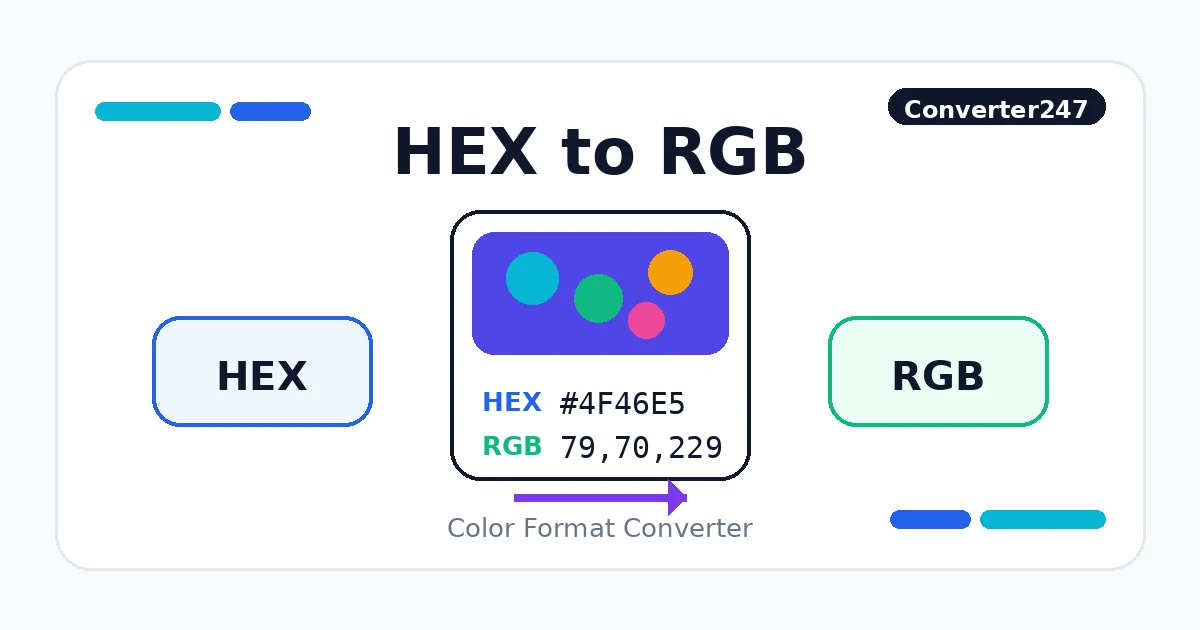 Color
ColorHEX to RGB
Decode opaque 3- or 6-digit HEX into 8-bit sRGB channels. RGB, HEX, HSL, HSV, and RGBA values use the declared sRGB-derived profile.
 Color
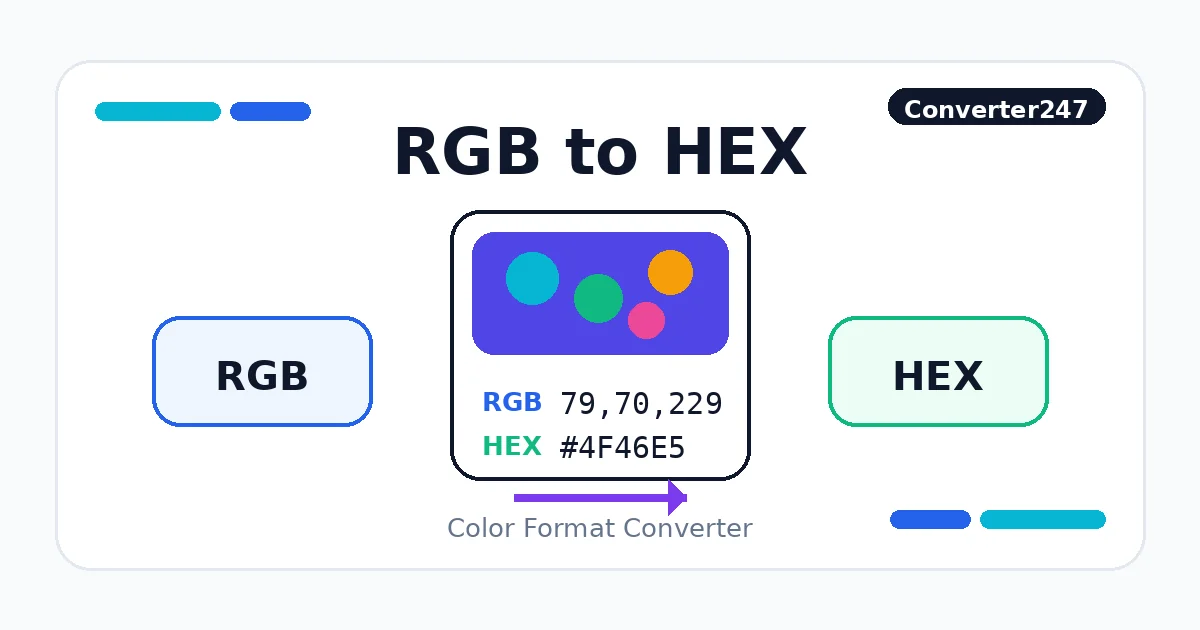
ColorRGB to HEX
Serialize three integer 8-bit sRGB channels as six-digit HEX. RGB, HEX, HSL, HSV, and RGBA values use the declared sRGB-derived profile.
 Color
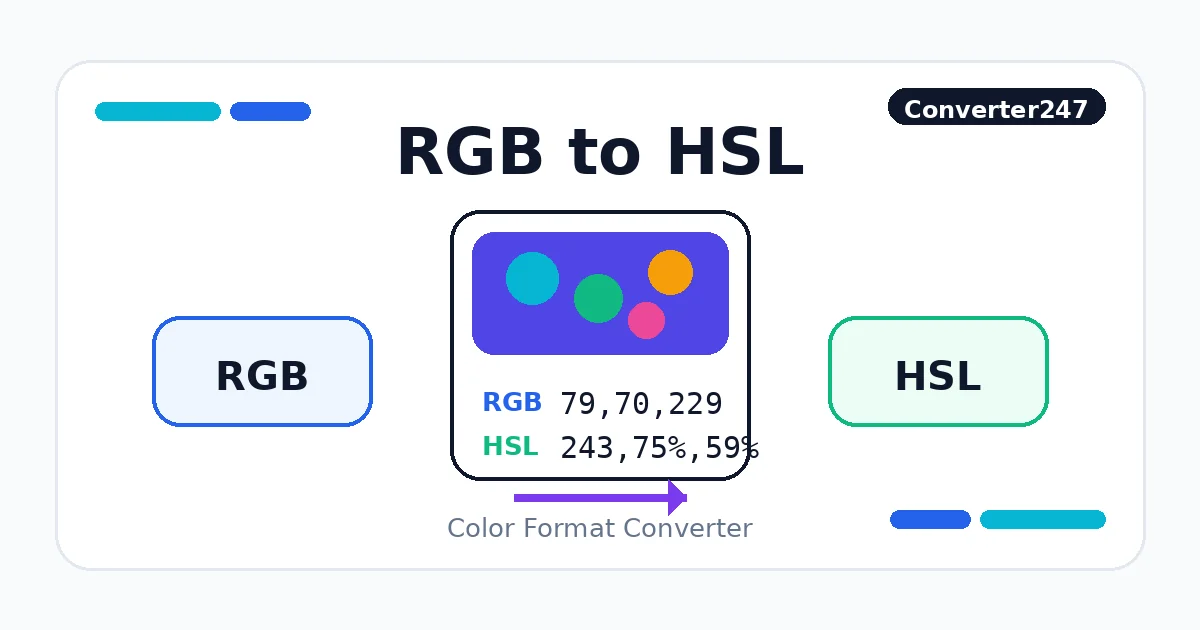
ColorRGB to HSL
Map encoded sRGB channels into the CSS HSL coordinate model. RGB, HEX, HSL, HSV, and RGBA values use the declared sRGB-derived profile.
 Color
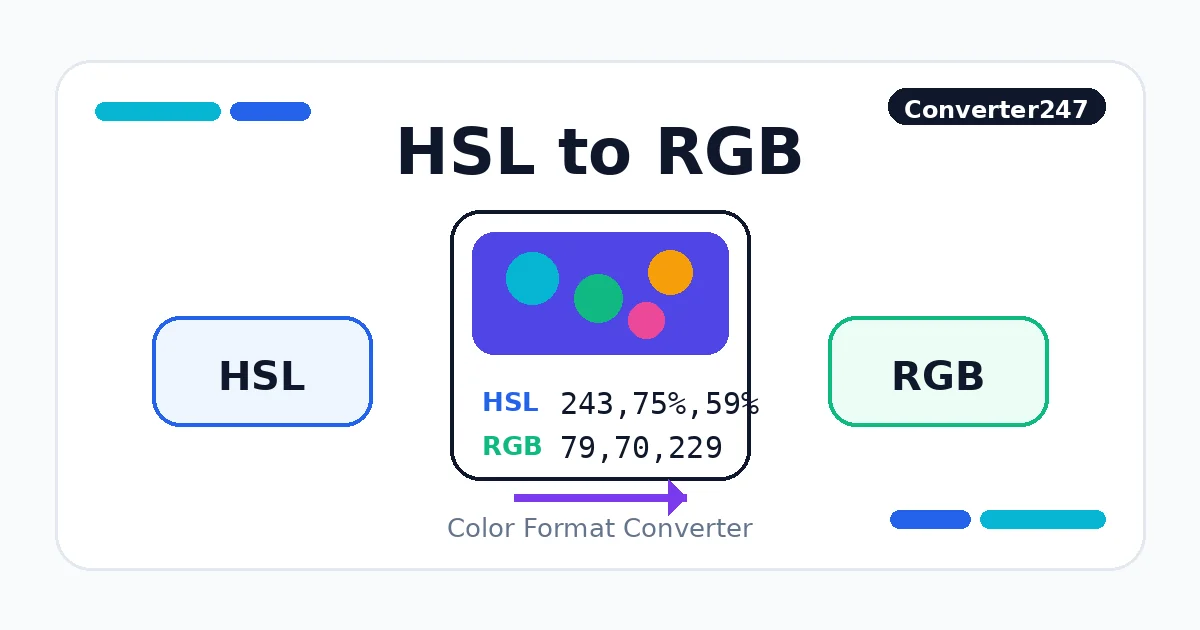
ColorHSL to RGB
Resolve HSL coordinates and quantize to nearest 8-bit sRGB channels. RGB, HEX, HSL, HSV, and RGBA values use the declared sRGB-derived profile.
 Color
ColorRGB to CMYK
Estimate CMYK coordinates without an ICC output profile. Source RGB/HEX is treated as sRGB; CMYK output is unprofiled and is not a press-ready separation.
 Color
ColorHEX to RGBA
Decode 3, 4, 6, or 8 HEX digits into sRGB and alpha. RGB, HEX, HSL, HSV, and RGBA values use the declared sRGB-derived profile.
Related Guides
These references compare HEX, RGB, HSL, HSV, RGBA, and CMYK in real design, CSS, screen, and print workflows.
All 12 Tools In This Category
HEX to RGB
Decode opaque 3- or 6-digit HEX into 8-bit sRGB channels. RGB, HEX, HSL, HSV, and RGBA values use the declared sRGB-derived profile.
ColorRGB to HEX
Serialize three integer 8-bit sRGB channels as six-digit HEX. RGB, HEX, HSL, HSV, and RGBA values use the declared sRGB-derived profile.
ColorRGB to HSL
Map encoded sRGB channels into the CSS HSL coordinate model. RGB, HEX, HSL, HSV, and RGBA values use the declared sRGB-derived profile.
ColorHSL to RGB
Resolve HSL coordinates and quantize to nearest 8-bit sRGB channels. RGB, HEX, HSL, HSV, and RGBA values use the declared sRGB-derived profile.
ColorRGB to CMYK
Estimate CMYK coordinates without an ICC output profile. Source RGB/HEX is treated as sRGB; CMYK output is unprofiled and is not a press-ready separation.
ColorCMYK to RGB
Estimate sRGB channels from unprofiled CMYK coordinates. Source RGB/HEX is treated as sRGB; CMYK output is unprofiled and is not a press-ready separation.
ColorHEX to HSL
Decode opaque HEX and map its sRGB channels to HSL. RGB, HEX, HSL, HSV, and RGBA values use the declared sRGB-derived profile.
ColorHSL to HEX
Resolve HSL then quantize to six-digit sRGB HEX. RGB, HEX, HSL, HSV, and RGBA values use the declared sRGB-derived profile.
ColorRGB to HSV
Map encoded sRGB channels into the declared HSV model. RGB, HEX, HSL, HSV, and RGBA values use the declared sRGB-derived profile.
ColorHSV to RGB
Resolve HSV then quantize to nearest 8-bit sRGB channels. RGB, HEX, HSL, HSV, and RGBA values use the declared sRGB-derived profile.
ColorHEX to CMYK
Decode sRGB HEX and estimate CMYK without an ICC output profile. Source RGB/HEX is treated as sRGB; CMYK output is unprofiled and is not a press-ready separation.
ColorHEX to RGBA
Decode 3, 4, 6, or 8 HEX digits into sRGB and alpha. RGB, HEX, HSL, HSV, and RGBA values use the declared sRGB-derived profile.
Related Categories
Color Converter FAQ
Use HEX for compact tokens, RGB for explicit screen channels, HSL for adjustable colors, and RGBA when transparency must be included.
No. RGB describes screen light channels, while CMYK is print-oriented. A converted value should still be checked in the final print workflow.
HSL separates hue, saturation, and lightness, which makes theme adjustments easier than editing HEX channel pairs directly.